
Although, its not expensive to own Android smartphone these days, but there can be many reasons when you would need Android emulator for Windows 10, for e.g if you own Apple iPhone and want to test and try different games available only for Android smartphone or say, you have Android smartphone albeit specs are lower that you cannot enjoy high-end Android games like PlayerUnknow’s BattleGrounds Mobile as good as you could. In such scenarios, Android emulator can come handy as most of us have PC with decent specs running Windows 10.
To make your job of finding best and free android emulator for Windows 10 easier, we have gathered a list of all the available emulators for android and have covered detailed specs required and its performance while using on Windows 10. A lot of Android emulators are available for Windows 10 and one may definitely get confused while choosing one. In this post, we will look at some of the best free Android Emulators for Windows 10.
Here are the best GBA emulator for Windows 10, best Sega Genesis emulator and Sega Dreamcast emulator for Windows 10.
Table of Contents
Best Free Android Emulators for Windows 10
1. Bluestacks
The Bluestacks Android Emulator for PC is the best when it comes to gaming. The emulator has been designed to run games like PUBG on a PC and with advanced keymapping system, you can easily run games on a PC and play them using a controller or a keyboard or a mouse. You can easily download a game from Google Play Store and then run these games and you won’t notice any lag or any kind of glitches with Bluestacks since the resources from your computer are virtualized to act as an Android device.
The Bluestacks Android Emulator for Windows 10 can be used by people who just want this to work without any manual configuration. Under the good, Bluestacks runs on Android 7 Nougat which makes it one of the very rare Android 7 Nougat emulators for Windows 10. The developers have also made sure that the emulator’s UI is simple to use.
Unfortunately, the size of Bluestack emulator is more than 400mb and comes with truckloads of bloatware apps which you may not like it. Bluestack 3 was infamous for performance issues and it was very laggy. BlueStack 4 is claimed to be best performing with Antutu benchmark of 1650000 which is highest amongst any other Android emulator that’s available today.
Download Bluestack Android Emulator.
2. MEmu
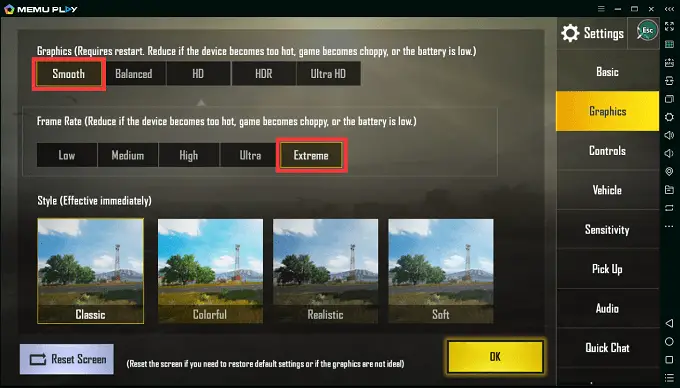
MEmu Android Emulator for Windows 10 was designed specifically to work for games. The emulator has its own marketplace from where you can download many games that are popular on Android like PUBG, Mobile Legends and more. The emulator also promises to perform well on computers and also to give a minimum for 60fps in games which is more than enough.
The MEmu Android Emulator for Windows 10 has certain features that it does better than any emulator out there. It comes with an inbuilt function to share files between the PC and the Android emulator and apart from that, you have a very nice and solid GPS implementation. You can install APKs instantly without issues and use the emulator’s optimized desktop UI to navigate around in the emulator.
If are you have an issue with TencentBuddy PUBG emulator and looking for an alternative, then MEmu can be the best option for you. Since version 5.2.0, they have added dedicated keymapping mode for PUBG to provide best gaming experience.
Download Memu Android Emulator.
3. Remix OS Player
A few years ago, Remix OS took the world by storm by providing amazing desktop experience for Android which could be installed on a PC which would result in the PC running Android natively. But that process is long and takes too much time. Jide Technologies, the people managing Remix OS and developing it released the Remix OS Player.
This Android emulator for Windows 10 is probably the most advanced one out there with a proper virtualized Android environment and it lets you choose the system resources you want to assign to the emulator. You can choose to assign a custom number of CPU cores and RAM and run the emulator. It has a desktop UI that looks a lot like Windows 10 itself and you can have different windows of apps just like you have on a Windows 10 machine. It also allows you to play games in multiple windows or use different apps at the same time.
The Remix OS Player – Android emulator for Windows 10 is completely free to use and update which means you can install your Android games on the PC and start playing them without any issues or glitches with continuous updates from Jide.
4. Nox App Player
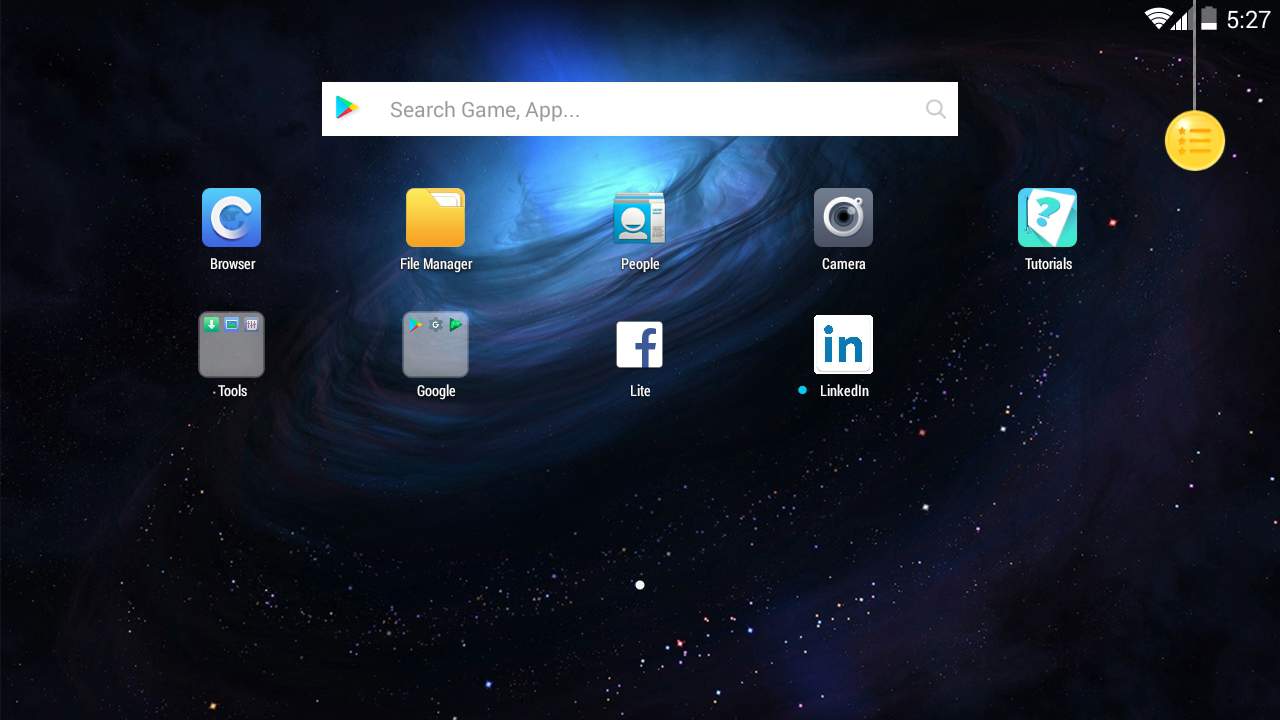
After Bluestacks, Nox App Player can definitely be termed as one of the most used Android Emulator for Windows 10. It is a very simple emulator that can run games but it is best used if you use apps on it. The Nox App Player works like it is supposed to and it works with your computer’s keyboard and mouse seamlessly. You can additionally use a gamepad while you’re playing games on this Android Emulator for Windows 10.
5. Phoenix OS
Unlike rest of the emulators listed here, Phoenix OS is more like Android OS which you can dual boot along with your Windows 10 or other operating systems. You are offered an option to install Phoenix OS on your hard drive or create bootable USB drive. The performance wise Phoenix OS works better over other emulators as all the resources are available dedicated rather being shared when you run it as an app on Windows 10. If you want to use the wireless controller or keyboard and mice for playing games then Phoenix OS is the best Android emulator to have since it comes with gaming Assistance app which combines its “Octopus” mapping engine to achieve powerful mapping function for best gaming performance for PUBG and other shooting games.
Even though Phoenix is android OS but it has been customized to give you Windows like experience by offering classic start menu, PC like web browser, notification center, drag and drop for files and much more.
6. AMIDuOS
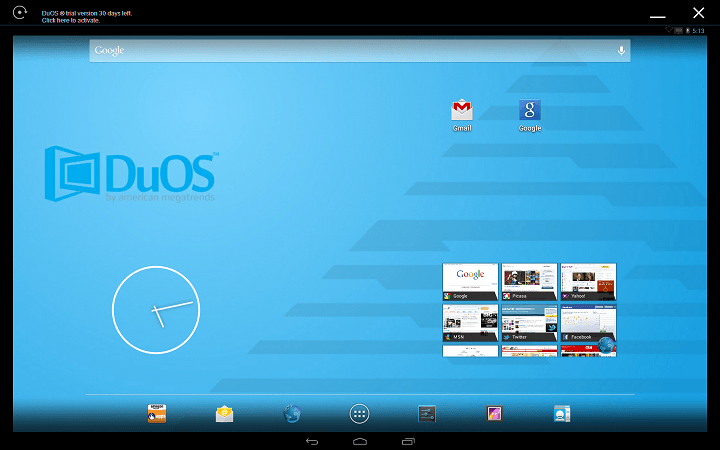
AMIDuOS is an Android Emulator by American Megatrends which is a big name when it comes to computers. The company is responsible for developing a lot of software related things for computers and with this Android Emulator, American Megatrends launched a new way for developers to test their apps. But that doesn’t mean normal users cannot use it. You can definitely download the emulator and start playing games on it. It has Google Play Services support built right in which helps you with using the Google Play Store.
Download AMIDuOS Android Emulator.
7. Droid4x Android Emulator for PC
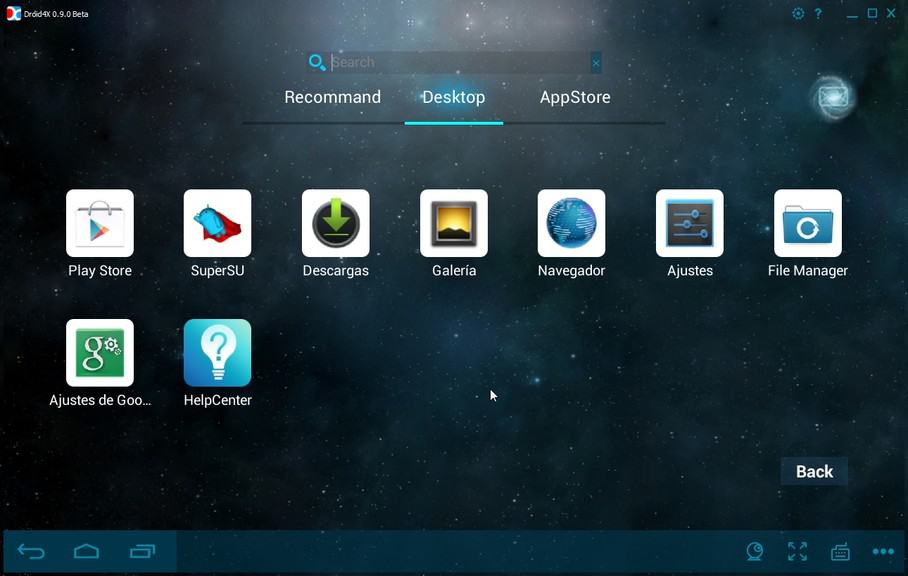
The Droid4x Emulator for Windows 10 has been one of the oldest and most used Android Emulator for PC. It was basically designed to run normal Android apps but you can also run games on this emulator. Don’t expect the emulator to perform amazingly when it comes to gaming but it has its own place. You can use apps like WhatsApp etc. on this emulator pretty easily by installing APKs.
Download Droid4X Android Emulator.
8. Android Studio
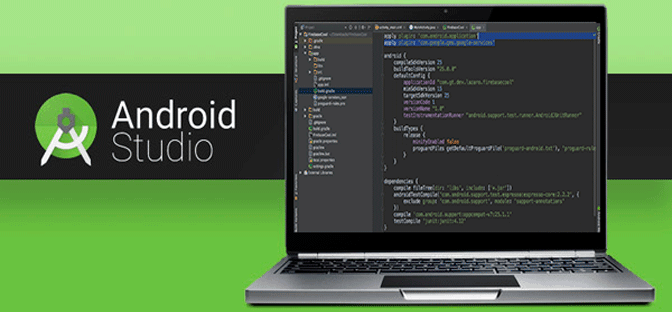
Android Studio is a proper platform that every Android app developer uses and this program comes with two parts. One is the coding part where the app is coded and then comes the emulator part where you can install an app on the emulator and then boot it up. When the emulator has booted, it shows your installed app(s) and you can run the way you want. This is a perfect emulator for app developers.
9. Xamarin
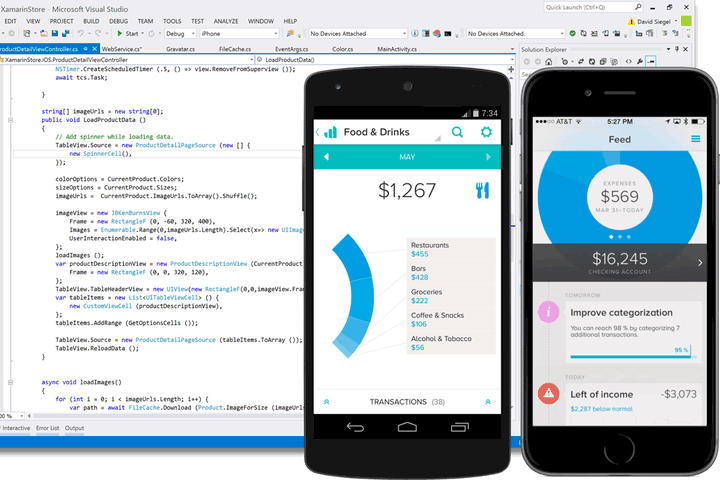
Did you know that Microsoft has their own SDK to deliver apps on Android and iOS? This is because Xamarin is part of the Visual Studio tools which is installed when you install Xamarin. You can load APKs and apps on the emulator and use them just like you use any Android device.
10. Genymotion Android Emulator
Genymotion Android Emulator is perfect for developers and it provides you with access to their cloud based Emulator which you can also use on your desktop. This is a perfect choice for app and game developers since this emulator will be provided with important things like ADB access, developer based options and more.
What’s more is that you can seamlessly integrate this Android Emulator for Windows 10 into Eclipse which is another program to code Android app. With this type of integration, you can easily run your apps that are work in progress on Genymotion and test them for more advantages. It does come with a price tag and it isn’t free at all. You will have to pay $136 a year for a user if the user is an individual. In other cases, the emulator costs $412 a year.
Wrapping it up – Which one is the best?
When it comes to playing games, you can close your eyes and go with Bluestacks. Other options are something that you can look at and even the Remix OS Player is also a great choice as an Android emulator for Windows 10. Developers on the other hand, can go for either AMIDuOS or the Genymotion Android Emulator which are developed as emulators specifically for developers who want a good emulator for Android on Windows 10 to test their apps and games.
Check out the Best Sega Genesis Emulator, Dreamcast Emulator and NES Emulators for Windows.



1 thought on “Best Free Android Emulators for Windows 10”
Nox app is best. I am already using it. Thanks for this article and for adding Nox to it.