
Since Smartphones become a must have device for all the people, many users carry all their important files and documents in their mobile devices. Especially Android Smartphones and Tablets have plenty of Cloud Applications, which offers huge storage space to backup and carry all the user data. Cloud Services are secure by default and no one can access the data without your permission, but files saved in local storage can be accessed by anyone who use your device. That’s why we have many file protecting apps to keep your important files safe from the prying eyes. Today I’ve come with one such application called “File Hide Expert” for Android, which hides all your important files quickly on your device.
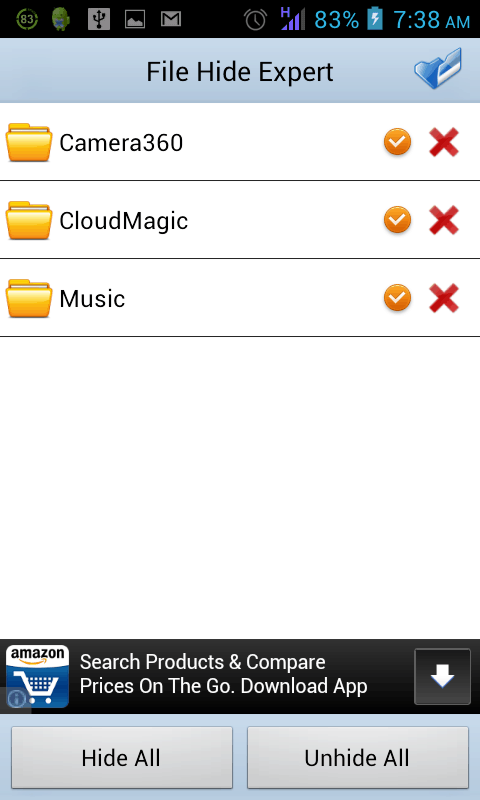
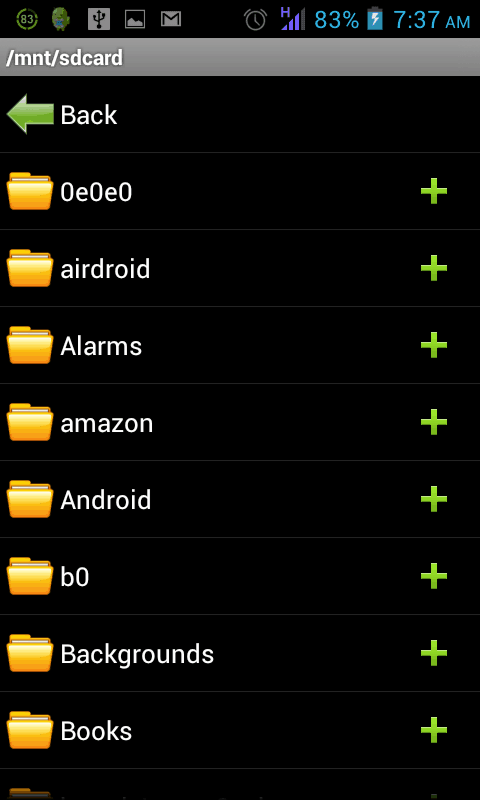
File Hide Expert has both free and premium versions, free version of the app is ad supported. You can download the app using the link below. Once you complete the installation, you can see an empty homepage with two options below. To start hiding the files, tap the folder icon in the top right corner. It will open all the files and folders on your device. Both files in internal storage and SD card can be added to the application. There will be a file browser, you can add entire folder by tapping the “+” icon and browse files by tapping the folder icon.
On the homepage, the “Hide All” button will hide all the files you’ve added and “Unhide All” button will make those files visible. There is no option to unhide specific files, you have to remove that particular file from the app to make it visible. To add security to all the files you hide, you can set a custom password in the “Settings” of the application. Tap the “Enable Password” option in the Settings and you will get a text box to enter your password. Anytime, you can change the password and only numbers are allowed.
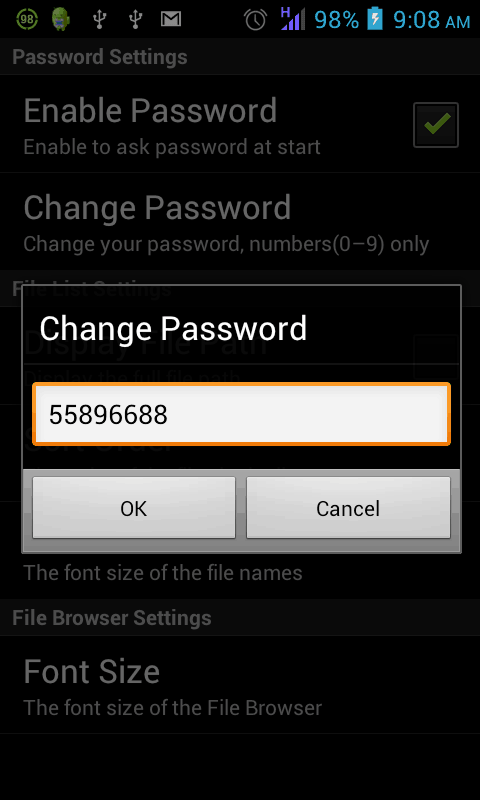
In Settings, you can also change the file display path, font size and sort order of the files. File Hide Expert is compatible with both Android Smartphones and Tablets. If you are looking for an app to hide your confidential files, File Hide Expert is worth giving a try. Please share your experience with us in the comments. Thanks for reading, do share this post with your friends.


